New in 1.12 · Materials →
Built on the open-source PyMOL engine

Molecular visualization,
built for Apple Silicon.

Raymol is the open-source PyMOL engine rebuilt for Mac, iPad, and iPhone: real-time ray tracing and materials, on-device protein design and structure prediction, and Claude at the controls.

Free · macOS 14+ · iPadOS & iOS 17+ · Apple Silicon

Built on the real PyMOL engine · 60 fps Metal rendering · Mac · iPad · iPhone · Free

Real-time rendering

Shadows and depth,
in real time.

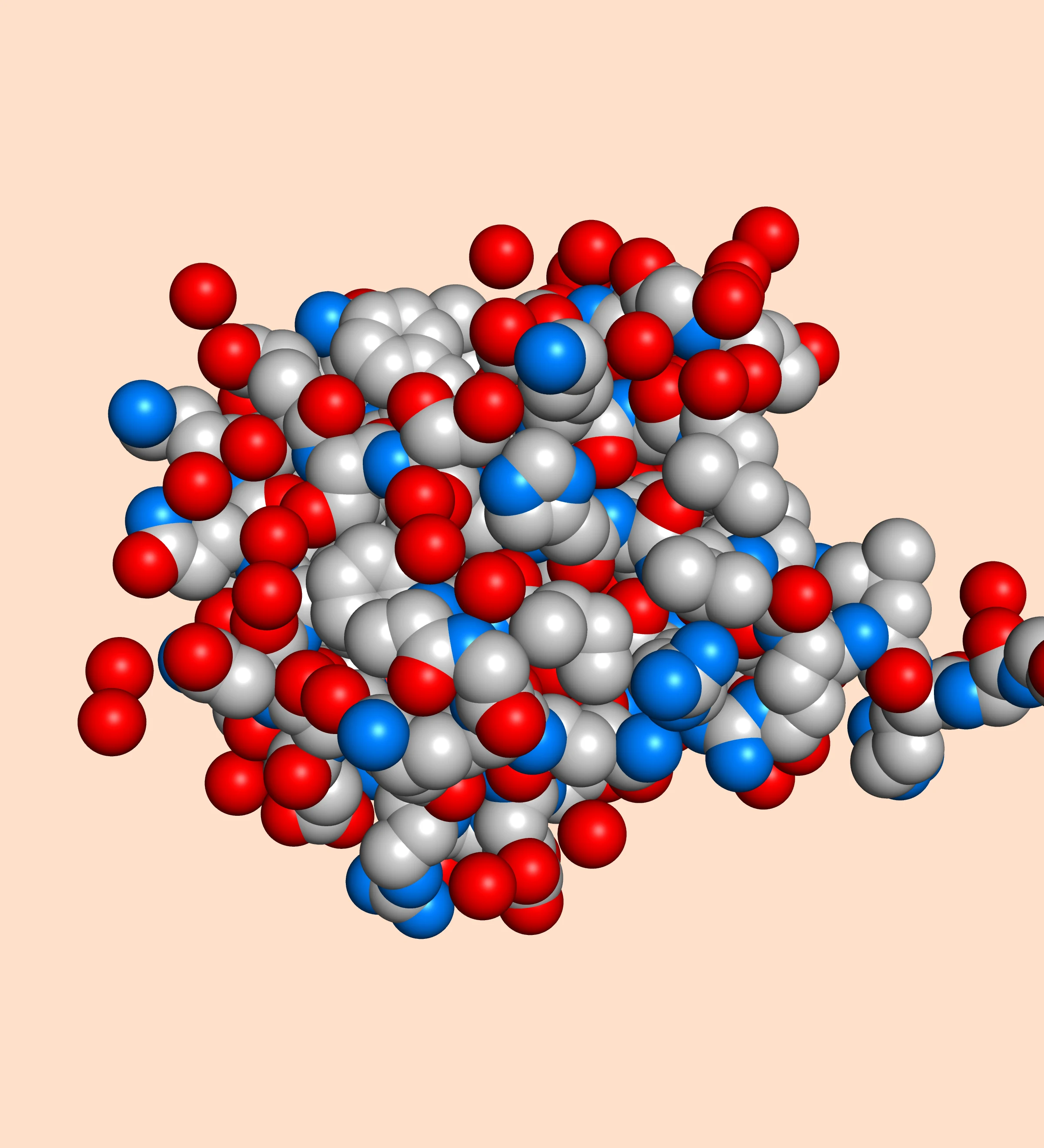
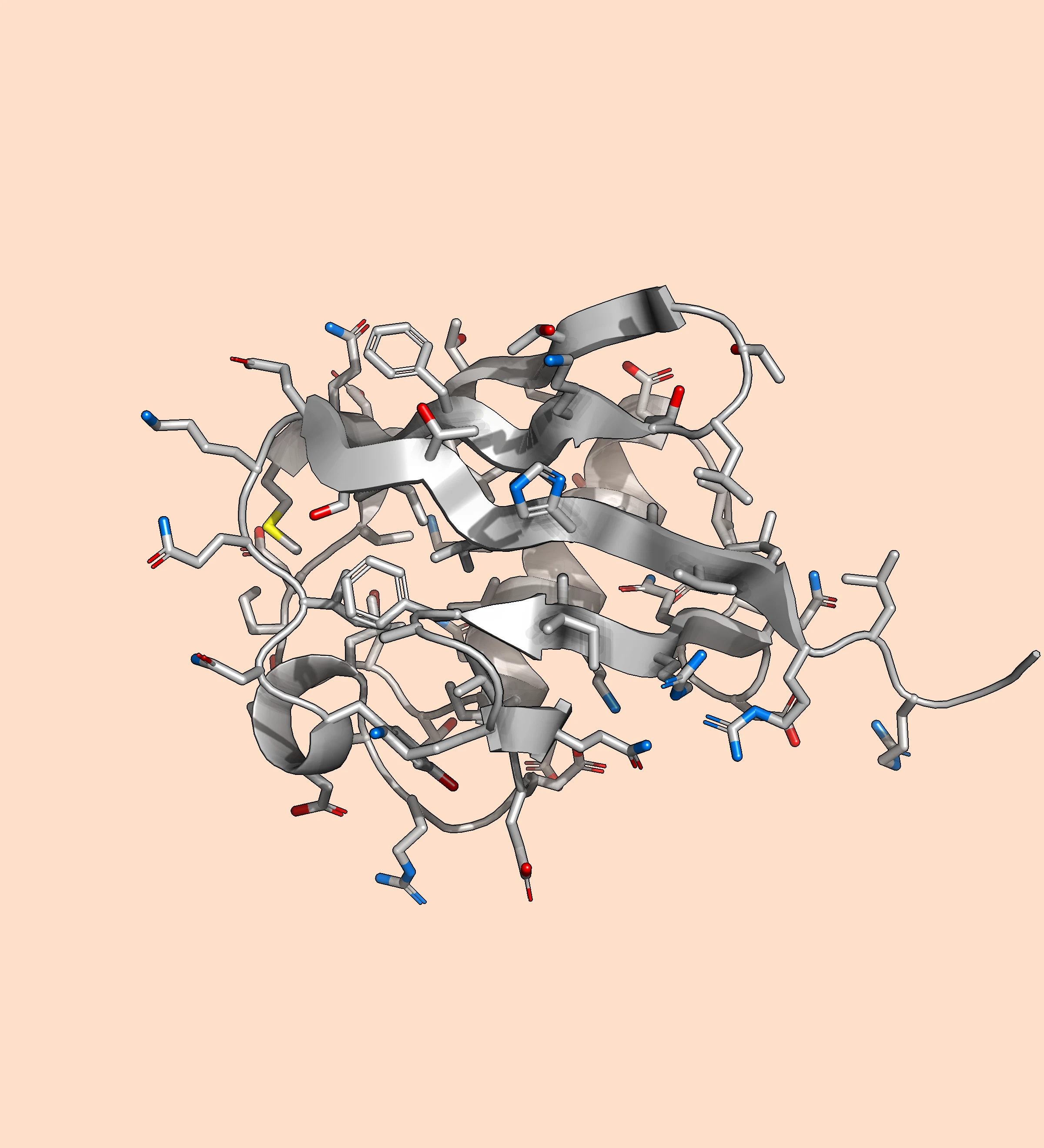
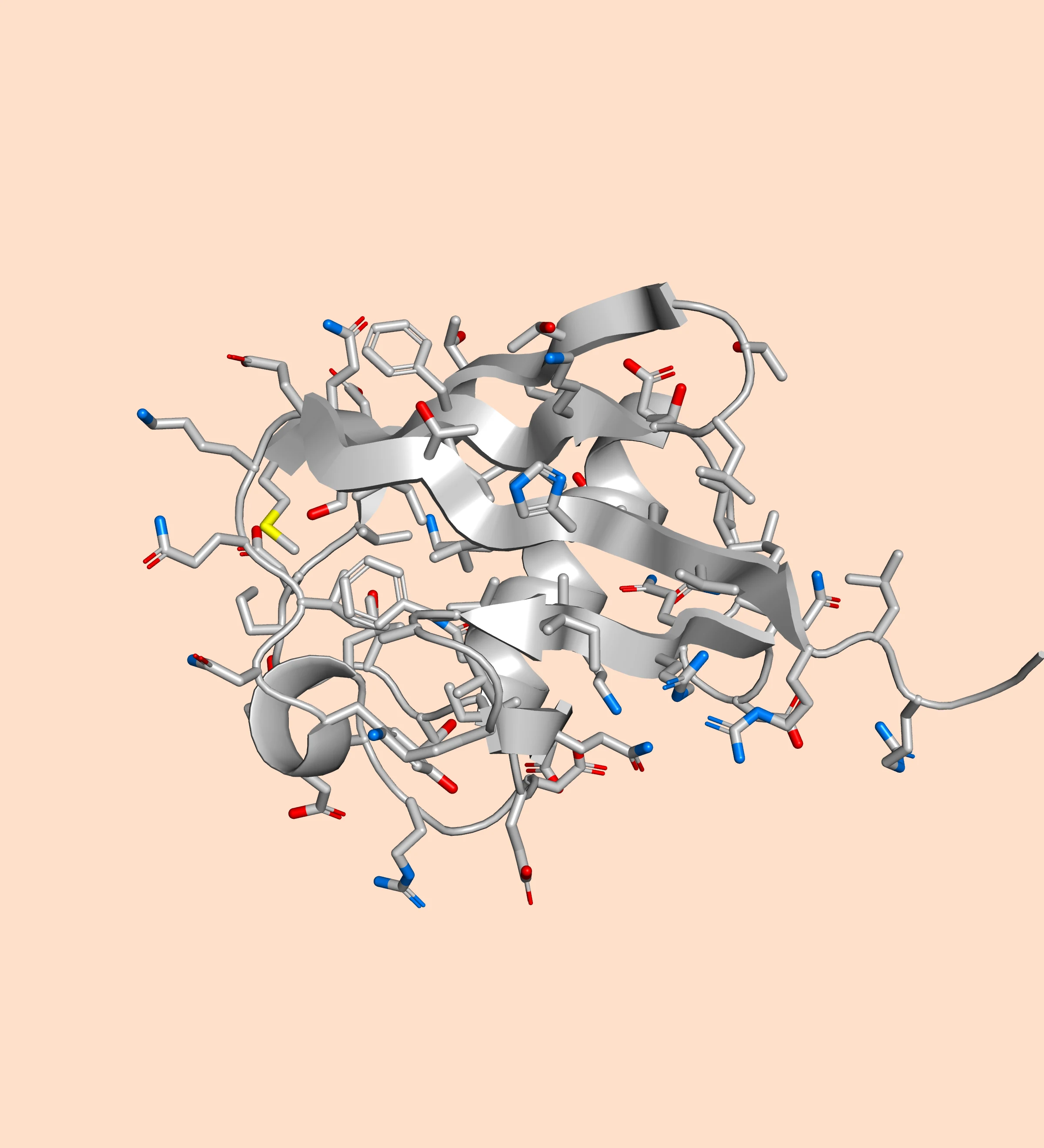
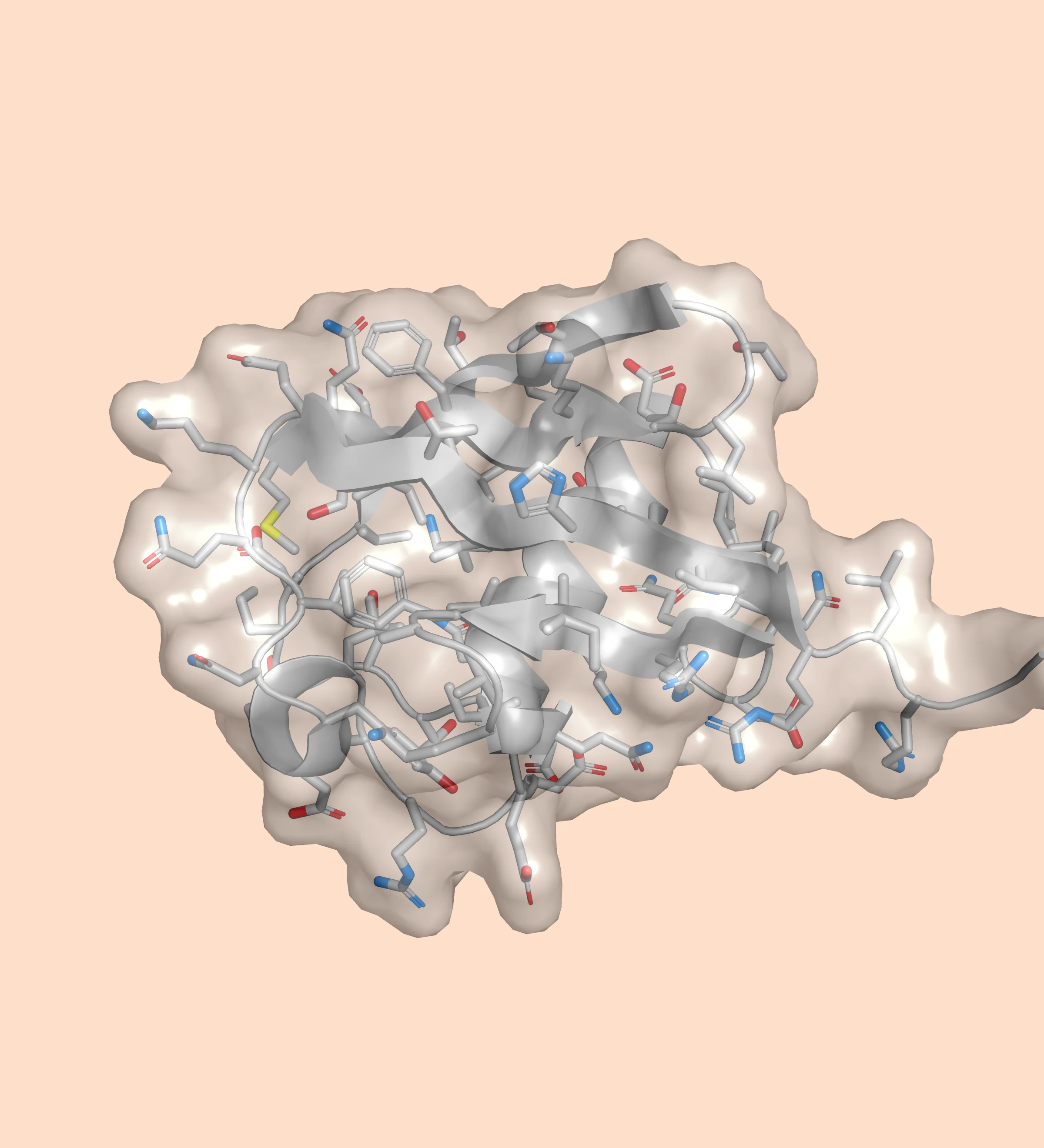
A Metal rendering engine replaces OpenGL, adding real-time shadow mapping, ambient occlusion, and order-independent transparency at interactive frame rates — and, new in 1.12, materials from polished gold to glass that bends light. On supported Apple Silicon, hardware ray tracing is available for higher-quality lighting, and reflective materials then reflect the structure itself.

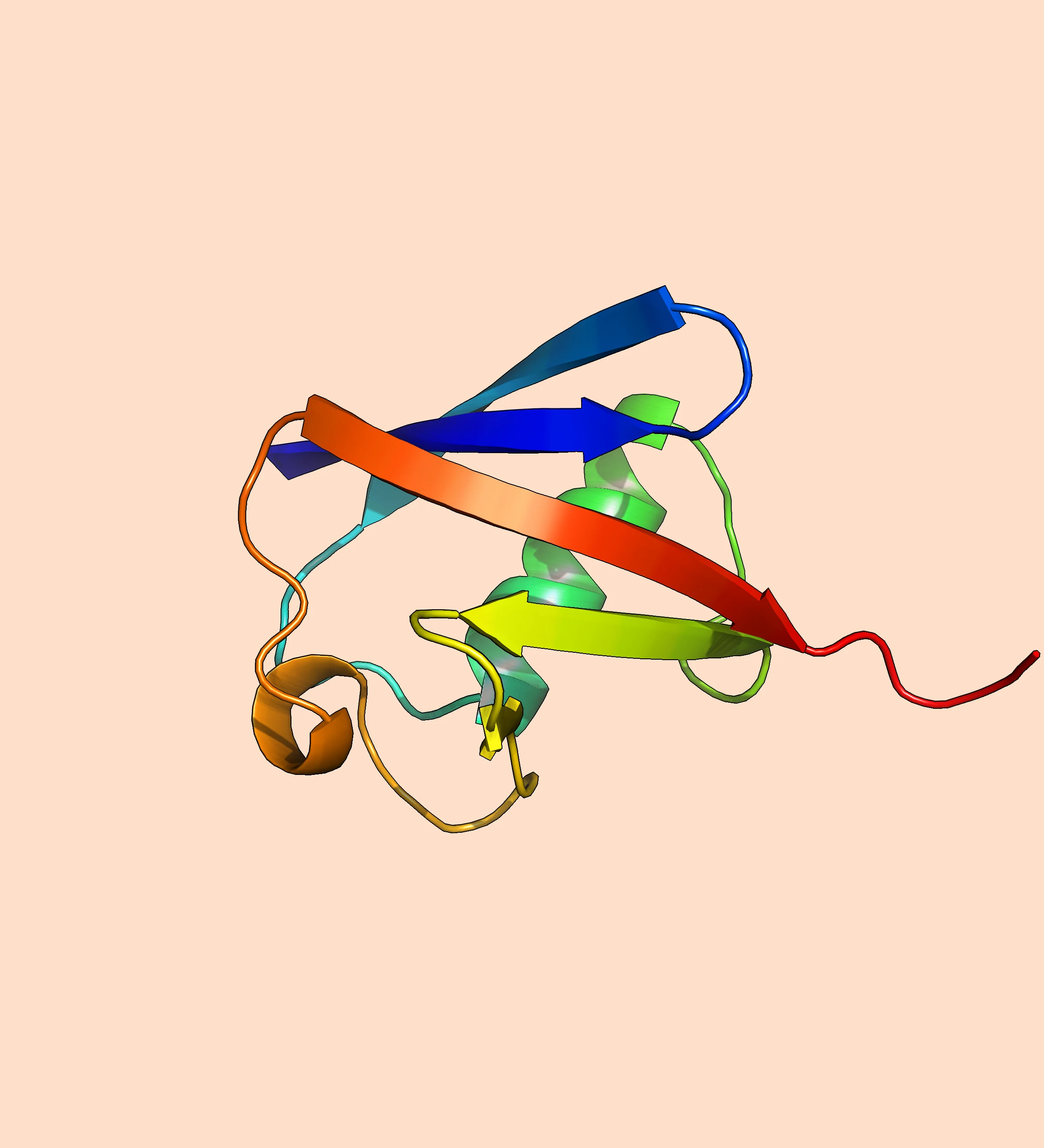
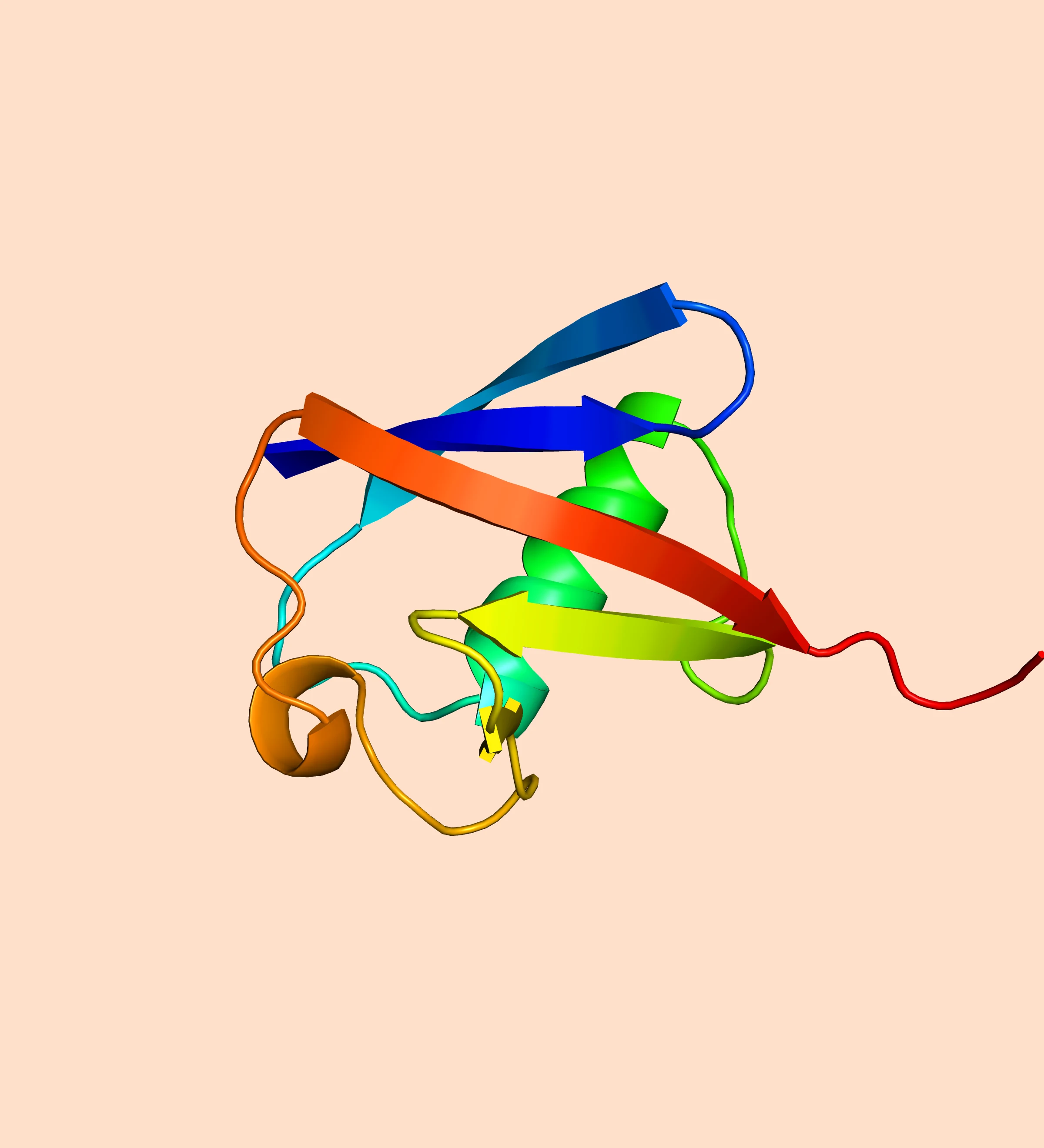
Open the same .pse in Raymol and PyMOL: Raymol's Metal viewport adds shadows, ambient occlusion, and antialiasing that PyMOL's default OpenGL viewport doesn't show in real time.

New in 1.12 · Materials

Gold, glass, marble —
on any layer.

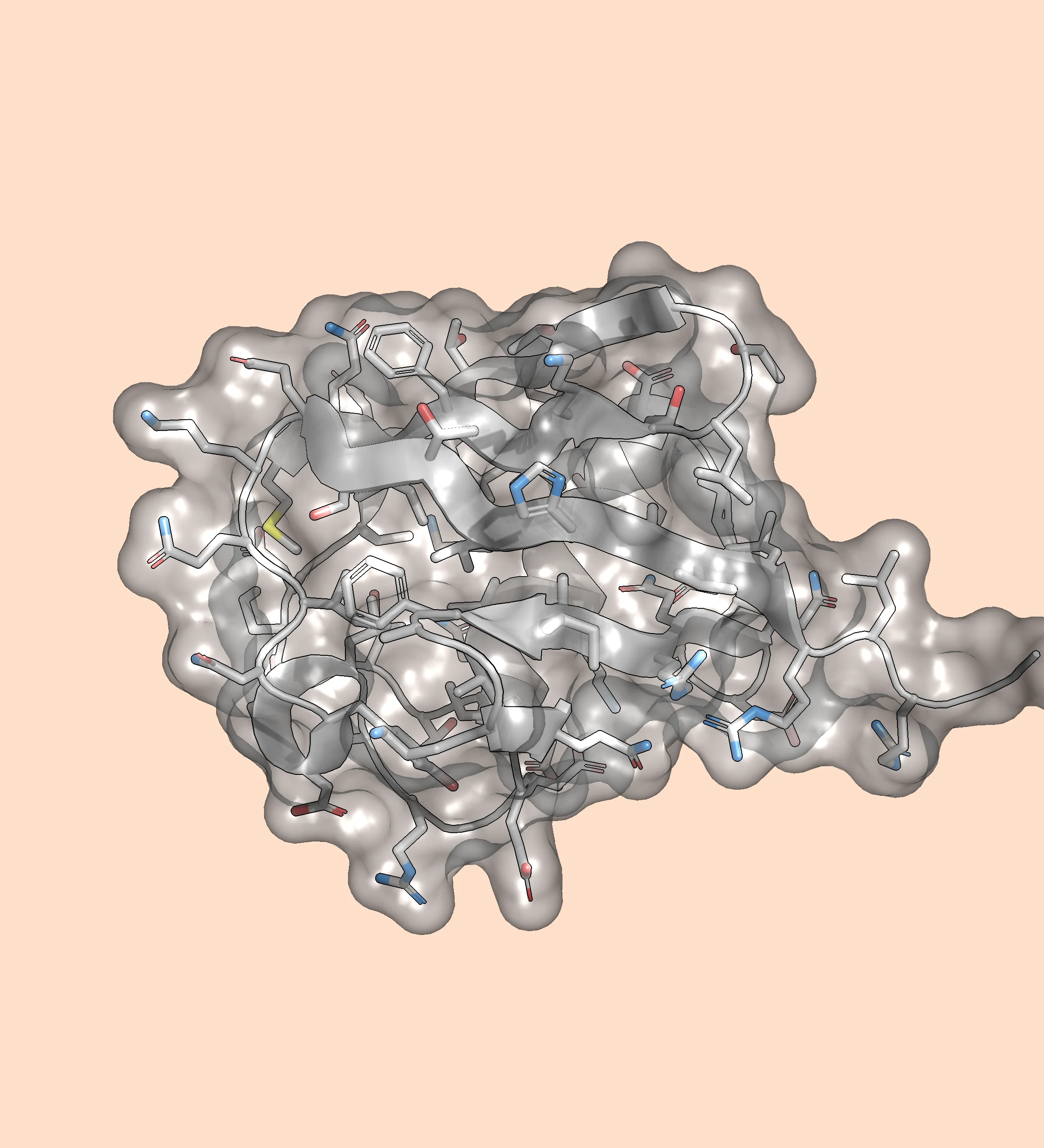
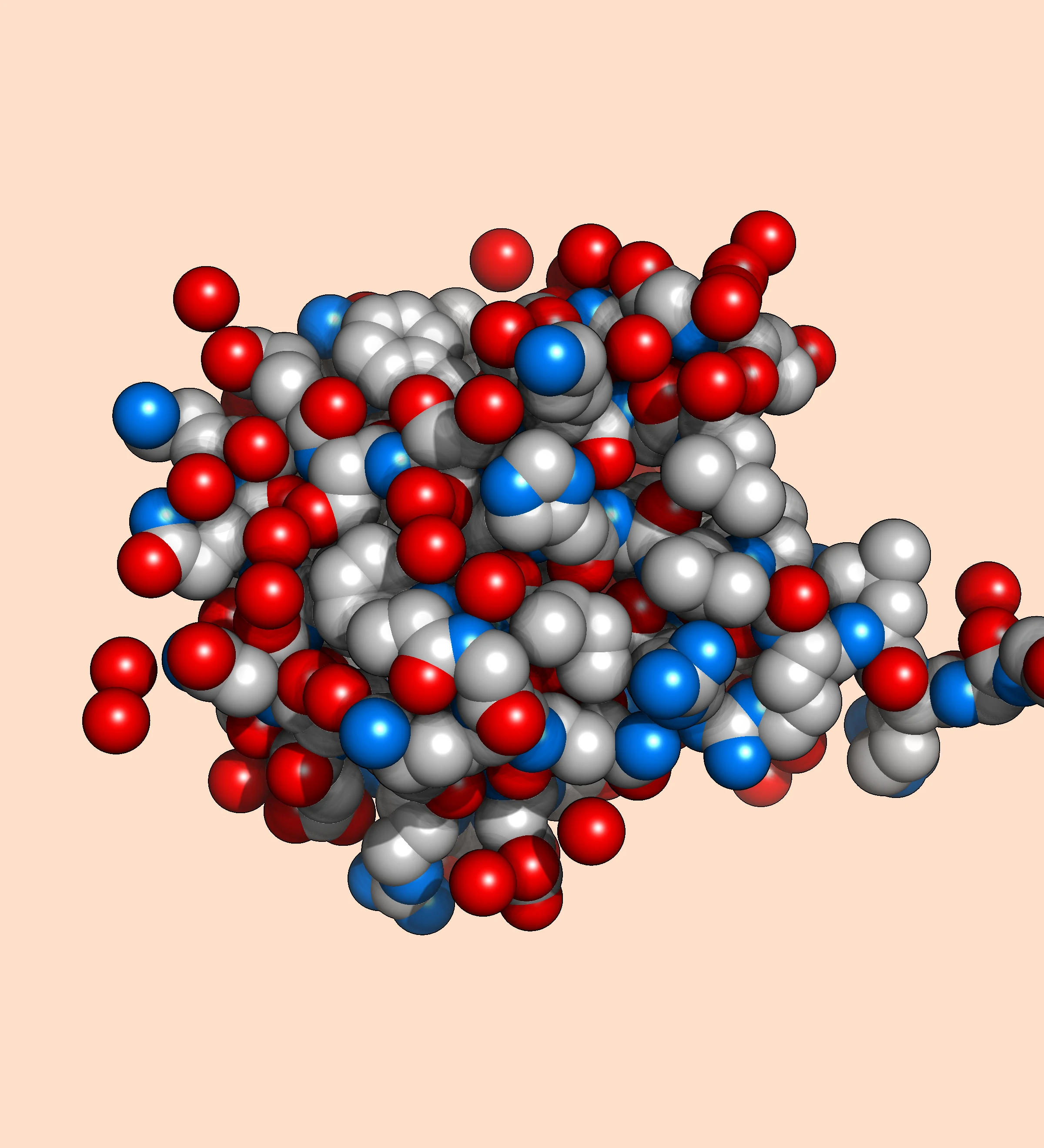
Color says what something is; a material says what it's made of. Give each cartoon, surface, stick, and sphere layer its own finish, and your colors stay exactly as they are.

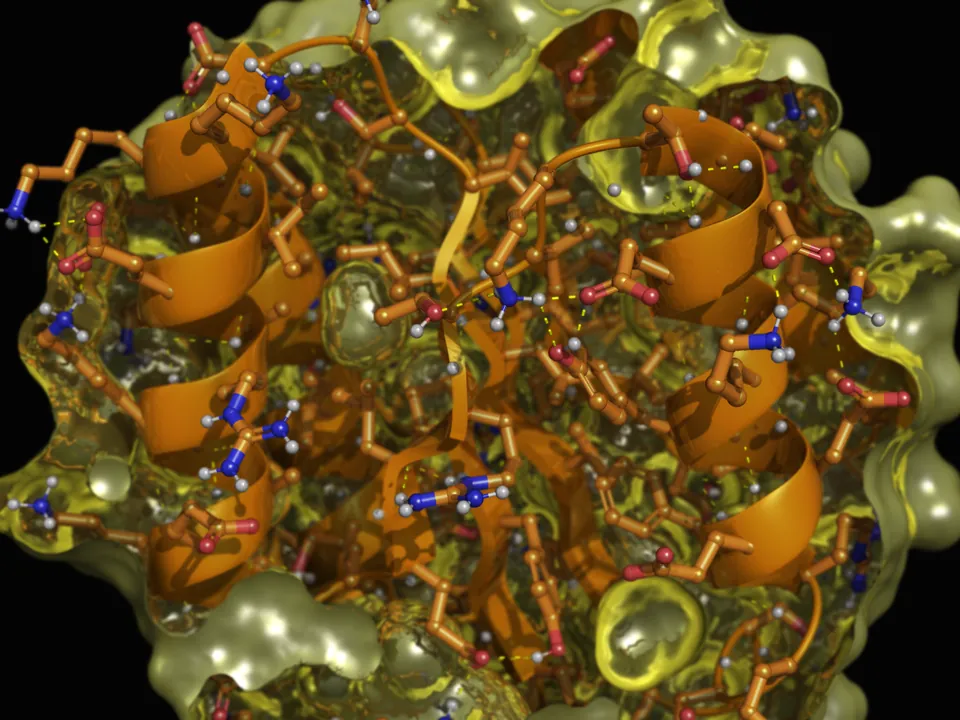
One structure with a different material on each layer: a translucent yellow surface over an orange cartoon and ball-and-stick side chains

Nine materials, any layer

Matte, plastic, metallic, glass, frosted glass, jelly, marble, clay, or rubber, set per object, and each layer of an object can have its own.

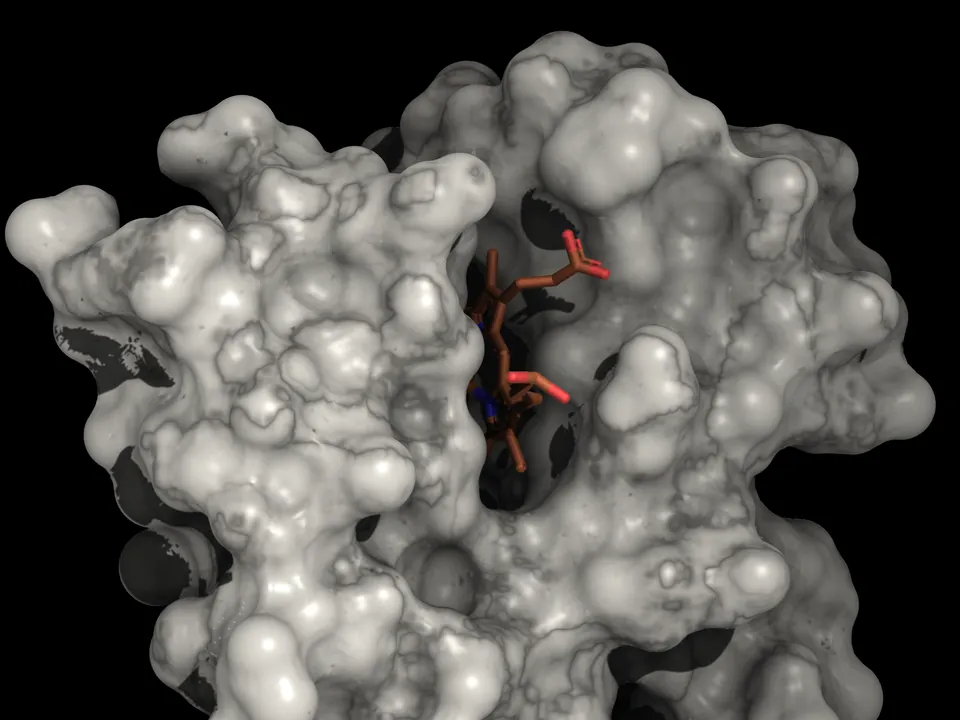
A protein's molecular surface in veined marble, with the heme visible in its pocket

One-click Looks

Gold, Copper, Bronze, Steel, Chrome, Marble, and Clay. A Look sets a layer's material and color together, ready to fine-tune from there.

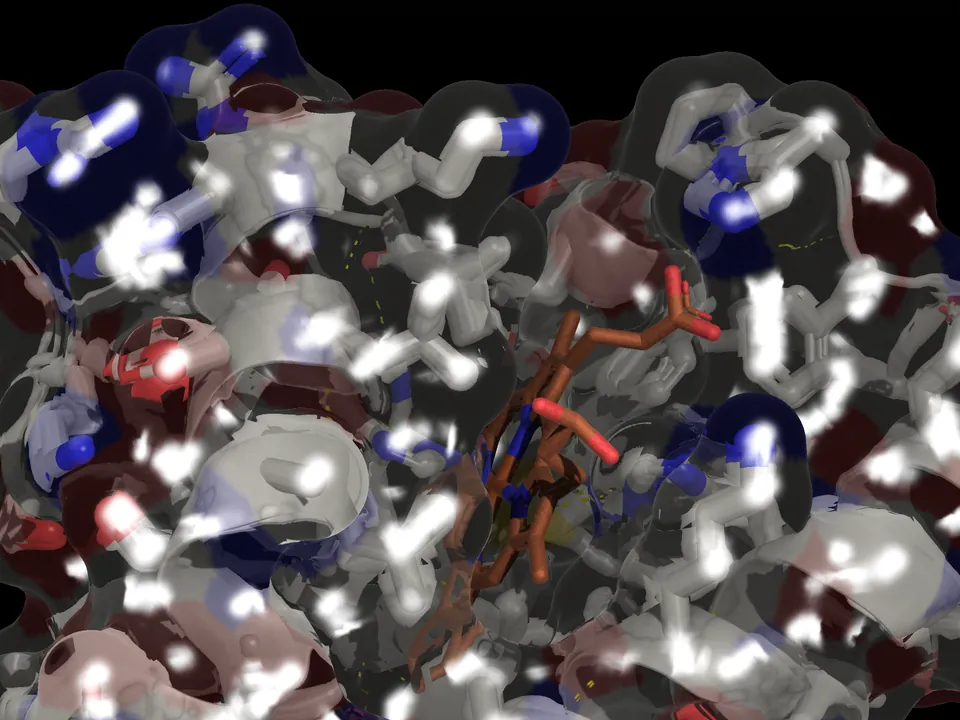
The heme seen through a clear glass surface, with bright glints across the glass

Glass that bends light

Glass, frosted glass, and jelly refract what's behind them through the shape of the surface, so a ligand seen through glass looks like it's inside.

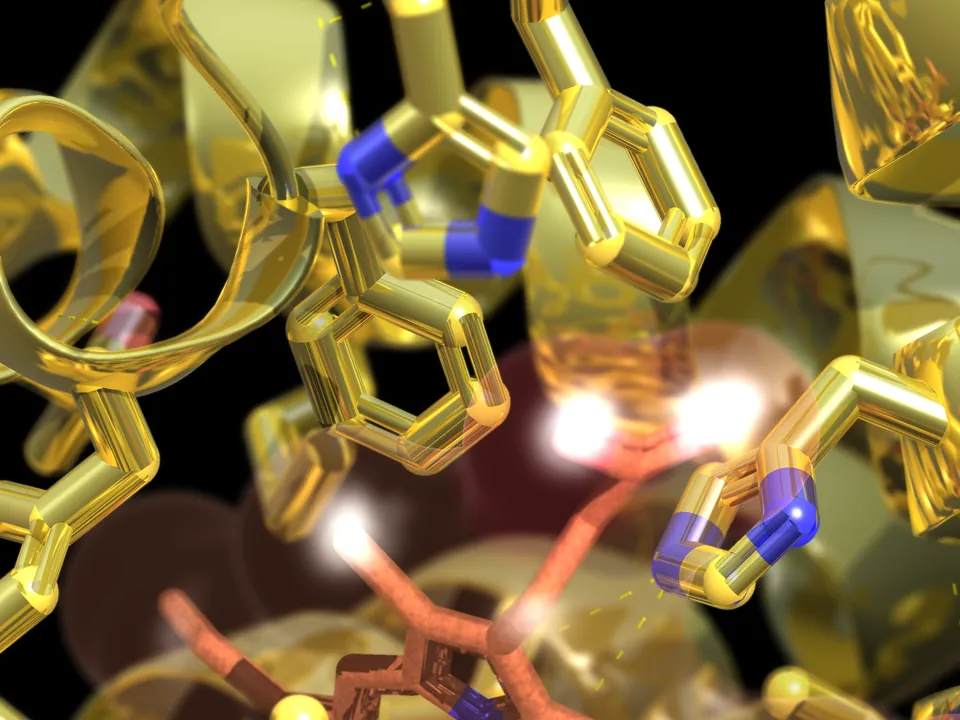
Close-up of a gold cartoon whose side chains are gold too, beside the heme

Side chains follow the cartoon

Show side chains on a cartoon and they take on its material automatically, so a gold backbone gets gold side chains. Give them their own any time.

In the Inspector

A Material menu
on every layer.

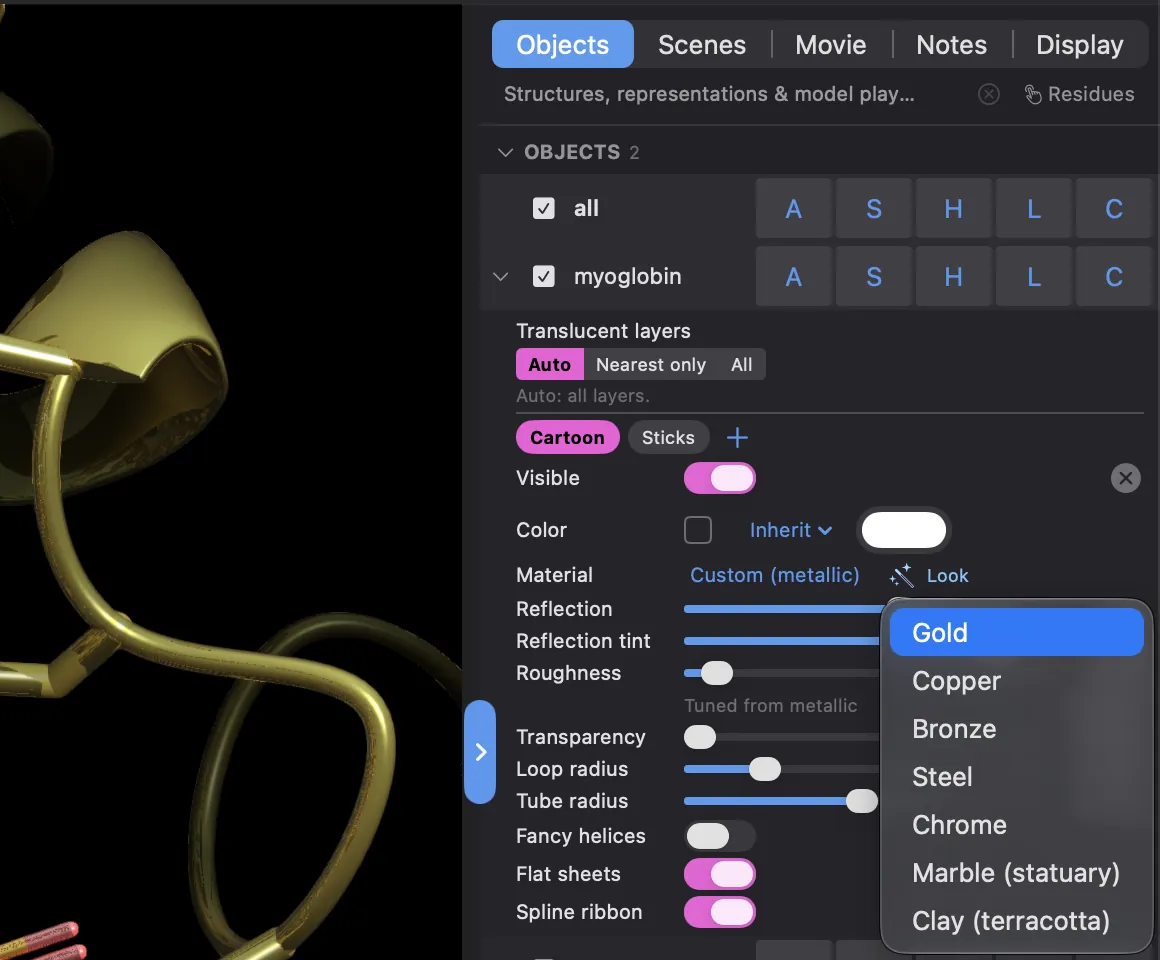
Each layer row has a Material menu, with a Look chip beside it. Custom… opens that material's own knobs — reflection, tint, roughness, and more — for that layer only.

Plastic, metallic, and the glass rim reflect the background or a neutral studio, and with Metal ray tracing on, the structure itself. Materials are saved in your sessions and scenes.

The Inspector on Mac: the Cartoon layer's Material reads Custom (metallic) with Reflection, Reflection tint, and Roughness sliders, and the Look menu is open on Gold, Copper, Bronze, Steel, Chrome, Marble (statuary), and Clay (terracotta)

Also in 1.12: Roll spins at a constant speed in movies, fog fades to the background color instead of black, and a set of rendering fixes. Release notes →

Design & predict, on-device

Redesign it. Fold it.
No server required.

Raymol runs ProteinMPNN sequence design and Boltz-2 structure prediction on your device's own GPU. No server round-trip, no export and re-import, no account: results land right in your session.

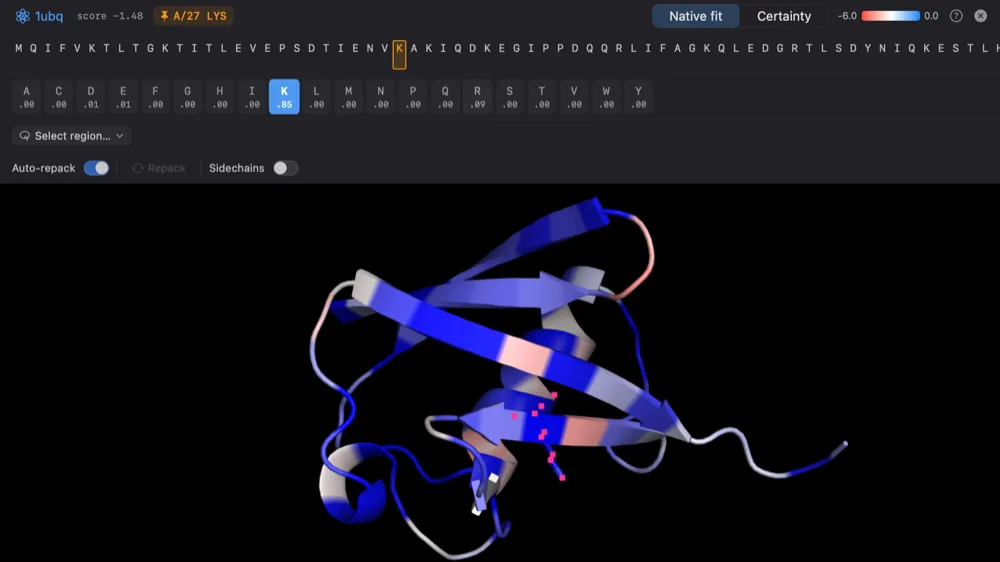
Design mode on ubiquitin (1UBQ): the cartoon colored by native fit, with the 20-amino-acid propensity row for residue 27 above it
Design mode · ⌃D

Redesign sequences with ProteinMPNN

Score every residue and color the structure by how well each one fits. Hover any position for its full 20-amino-acid propensity, click to mutate and Raymol re-scores and repacks the side chain live, or redesign a whole selected region with the rest held fixed.

  • The model ships inside the app — fully offline
  • Every edit lands on a working copy you can keep or discard
  • On Mac, and on iPhone and iPad with iOS 18+
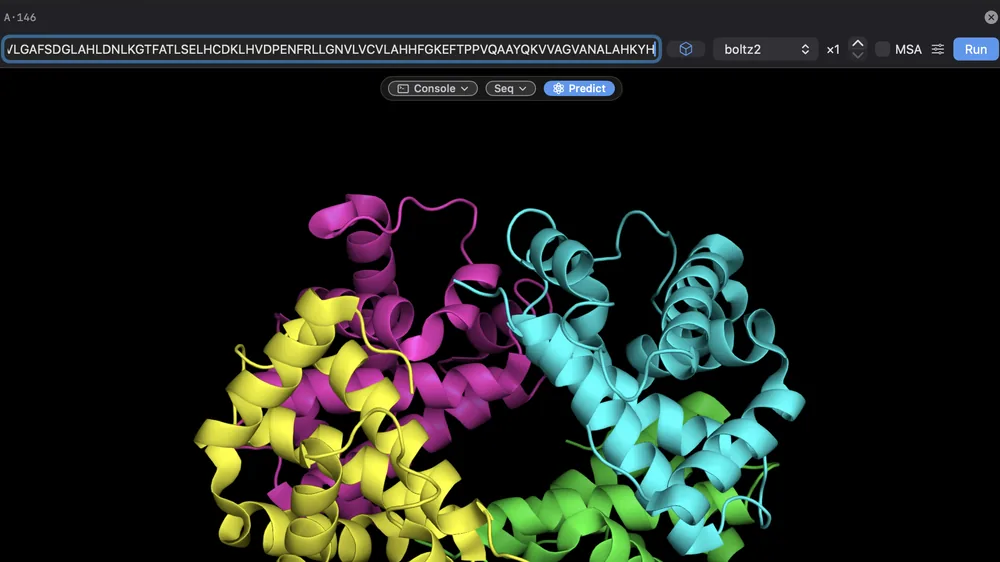
The Predict bar in Raymol: a sequence typed in, Boltz-2 selected, and Run, above a multi-chain structure in the viewport
Tools ▸ Predict · ⌃P

Fold a sequence with Boltz-2 or Protenix

Type or select a sequence and fold it right in Raymol. A live tray tracks each run with a per-phase ETA, and confidence metrics like pLDDT and PAE stay with the object, ready to color by.

  • About 90 seconds of inference for a 300-residue protein on an M3 Pro (Boltz-2, single sequence)
  • Model weights download once, on first use — about 0.5 GB for Boltz-2
  • On iPhone and iPad too, with Boltz-2 on iOS 18+

Design and Predict are in every build: the Mac App Store, the direct download, Homebrew, and the App Store for iPhone and iPad.

Connect your AI

Let Claude drive Raymol.

Raymol ships a built-in MCP server, so the Claude desktop app and Claude Code can drive it directly — fetch structures, run commands, change representations, and capture the viewport through real tool use. Open Connect ▸ Connect an AI app… and set it up in one click. No API key needed — it uses the Claude you already have.

Available in the Mac direct-download and Homebrew builds. The App Store builds — Mac, iPhone, and iPad — don't include the MCP server, which App Store sandboxing doesn't allow.

Raymol's toolbar MCP status — 'RayMol MCP · 1' — with the popover showing the server listening on 127.0.0.1 and one connected client
Live status in the toolbar — server, port, connected clients, last action.
The 'Connect an AI app' dialog — toggle the local MCP server, one-click connect Claude Code, or install for the Claude Mac app
Connect ▸ Connect an AI app… — Claude Code and the Claude Mac app.
🖥️ Mac direct-download & Homebrew 🔌 Off by default 🔒 Local-only · 127.0.0.1 🔑 Token-protected ✅ Approves every connection
Everywhere you work

The same app,
on every screen.

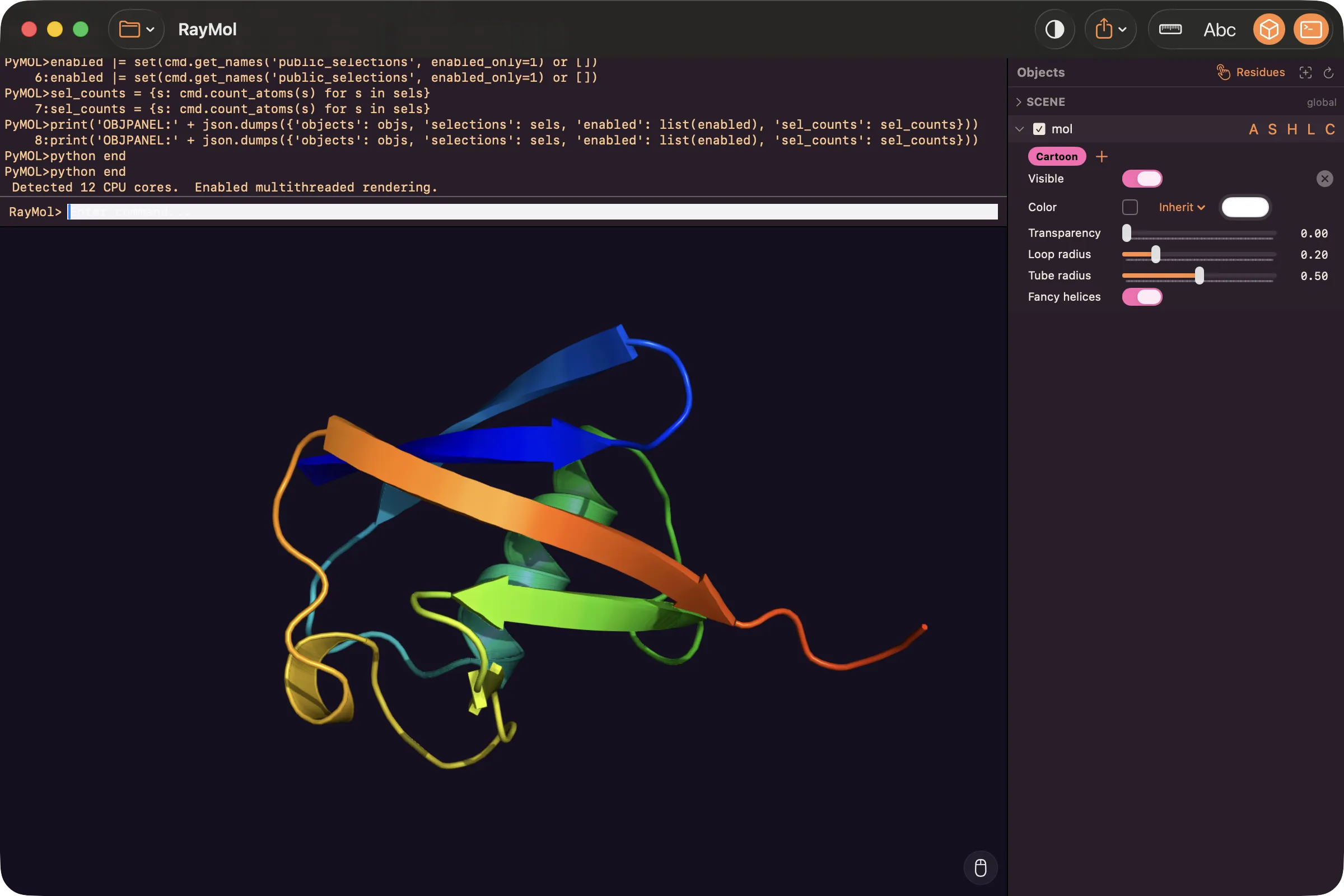
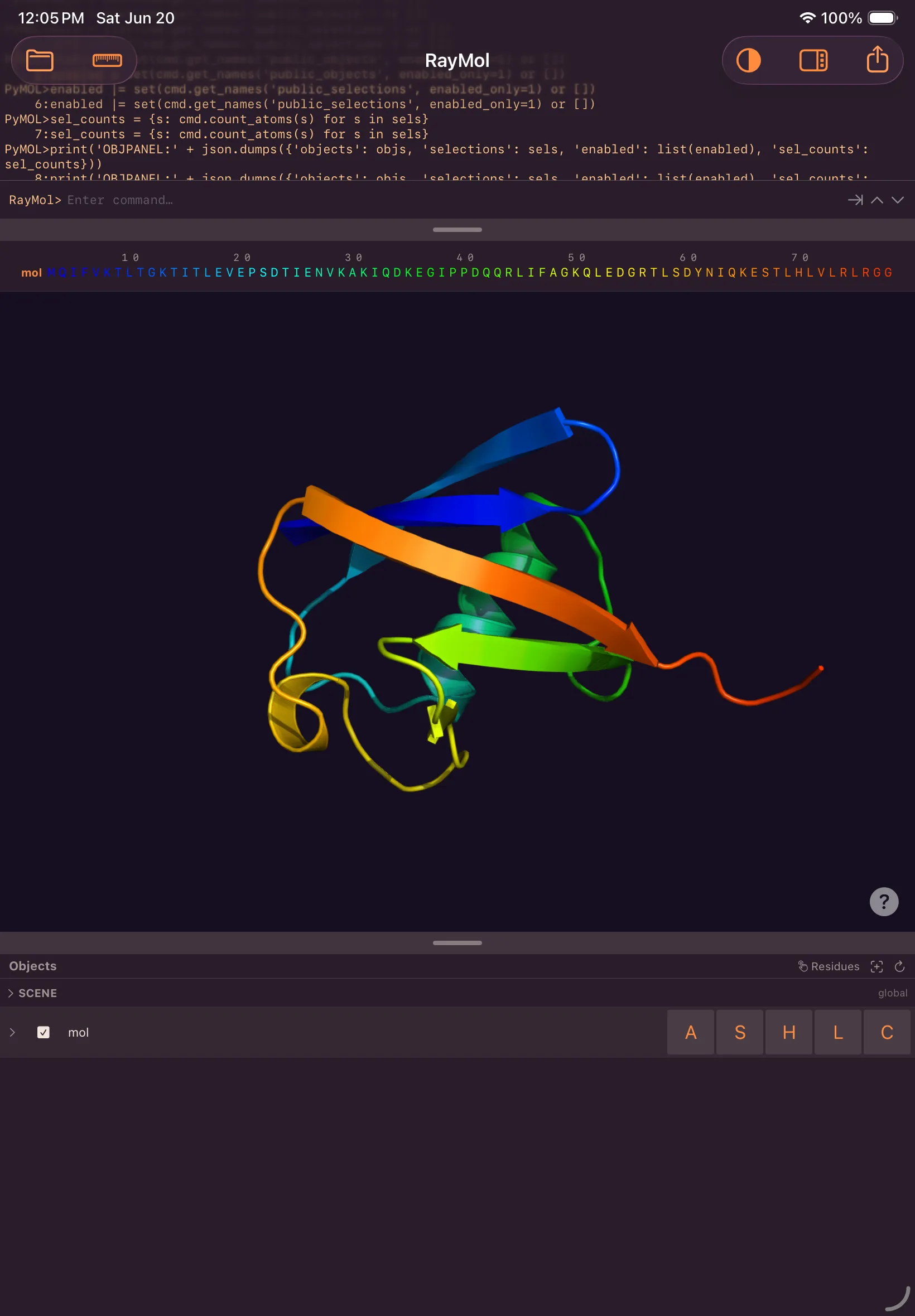
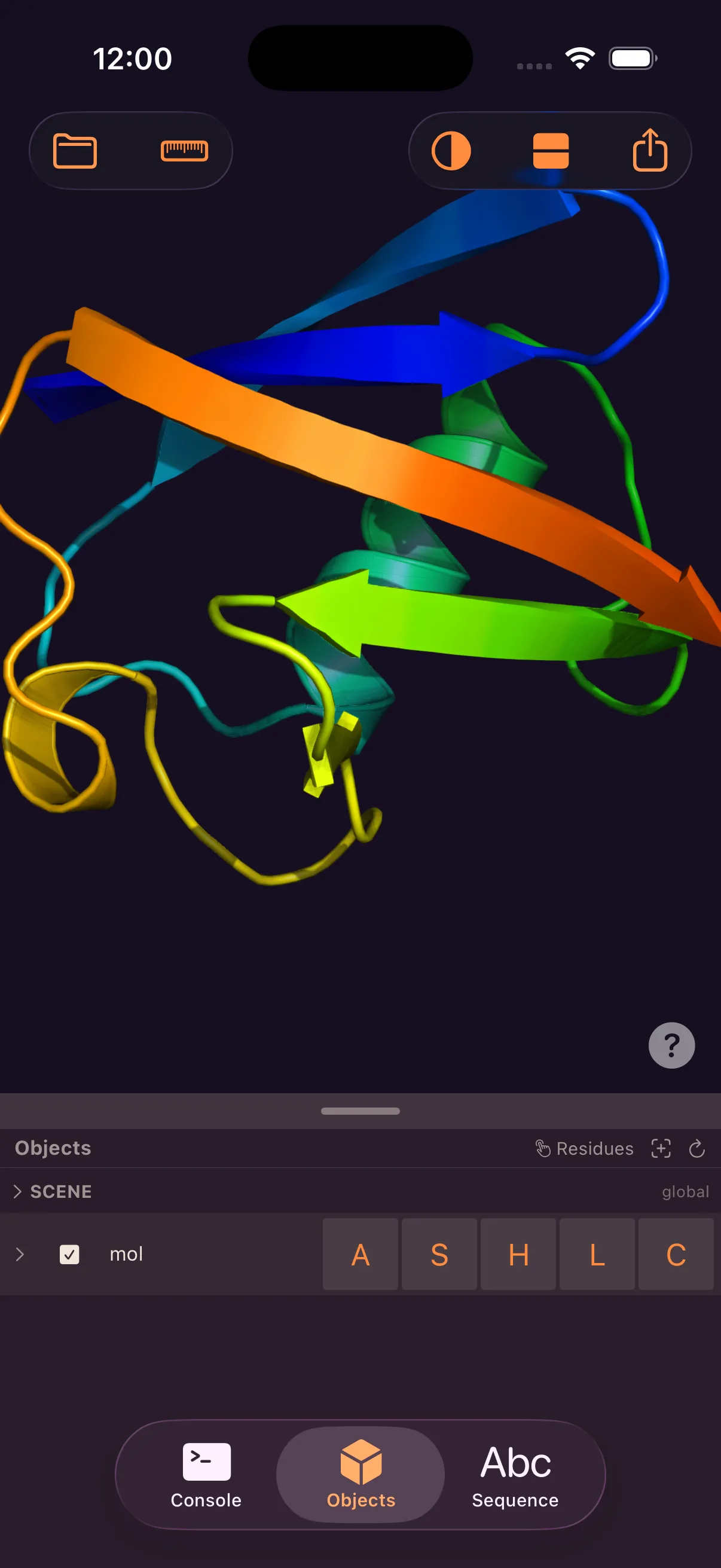
One Swift + Metal codebase, native on each device. Open a .pse on the Mac, keep working on iPad, review it on your phone.

Raymol full studio on Mac
Raymol on iPad
Raymol on iPhone — full app
The full app on iPhone — not a cut-down companion

The iPhone build is the complete app — the same engine, representations, settings, command language, and export as the Mac, on the device in your pocket.

Built for touch: one finger to rotate, two to pan, pinch to zoom, twist to roll, combined in a single gesture. On Mac, trackpad gestures map to the camera, with the classic per-button mouse mode also available.

💻 Mac — macOS 14+, Apple Silicon 📱 iPad — iPadOS 17+ 📲 iPhone — iOS 17+
Make it yours

Your controls,
your colors.

A live inspector exposes per-representation controls — cartoon tube radius, surface quality, stick and sphere scale, transparency, material, per-object color — plus a scene card for lighting, shadows, and antialiasing. Drag a slider and the viewport updates. The familiar A/S/H/L/C menus are a tap away.

Restyle the entire interface in a tap. Four themes ship built in — and Theme Studio lets you craft your own. Your theme follows you across Mac, iPad, and iPhone.

Everything you expect from PyMOL

A full structural-biology toolkit

🖼️

4K image & movie export

Render publication-quality stills up to 4K with transparent backgrounds, and author camera, state, and scene movies — exported to MP4 or GIF.

🧬

Sequence & selection tools

A color-accurate sequence viewer synced both ways with the 3D view, plus a visual selection builder with live atom counts and on-screen measurements.

⌨️

The real command language

The genuine PyMOL engine with Python 3.13 — full commands, 800+ settings, PDB/mmCIF/SDF/MOL2, RCSB fetch, and .pse sessions, with a live console.

Questions

Good to know

Is Raymol really free?

Yes — free on every platform. On Mac: the Mac App Store, a direct download, or Homebrew. On iPhone and iPad: the App Store.

Is the iPhone version a stripped-down companion?

No. The iPhone app is the complete Raymol — same engine, same rendering, same full feature set as the Mac and iPad.

Is it compatible with PyMOL?

Raymol embeds the genuine open-source PyMOL engine, so your commands, settings, file formats, and .pse sessions work as expected.

What's the difference between the App Store and direct-download versions?

They're the same app. The Mac direct-download and Homebrew builds also include the built-in MCP server, so Claude can drive Raymol. The App Store builds — Mac, iPhone, and iPad — leave that out because App Store sandboxing doesn't permit it. The engine, rendering, and every other feature are identical.

What hardware do I need for ray tracing?

Raymol delivers fast rasterized rendering with shadows, ambient occlusion, and MSAA on every supported device, and materials work on all of them. Real-time ray tracing is available on supported Apple Silicon; with it on, reflective materials also reflect the structure itself.

Sponsored by
Raymol app icon

Free on Mac, iPad, and iPhone.

Three ways to install on Mac, one tap on iPhone and iPad — the same app and the same engine on every screen.

For Mac

Mac App Store

One-click install and updates through the App Store.

Download on the Mac App Store

Direct download

✦ MCP included

Notarized .dmg · 84 MB · auto-updating.

Download .dmg

Homebrew

✦ MCP included

Install and update from the command line.

brew install --cask javierbq/raymol/raymol

Same app, two builds. The direct-download and Homebrew builds are identical and include the built-in MCP server, so Claude can drive Raymol. The Mac App Store build is the same app without that integration — App Store sandboxing doesn't allow it. Everything else is the same.

🆓 Free 💻 macOS 14+ · Apple Silicon
For iPhone & iPad

App Store

One universal app for iPhone and iPad — install and update through the App Store.

Download on the App Store
🆓 Free 📲 iPhone — iOS 17+ 📱 iPad — iPadOS 17+